Product
Sessions your users can see, and revoke.
Short-lived signed tokens, refresh handled for you, and a device list a person can act on.
Start freeYour devices
Signed in on 3 devices
-
MacBook Pro This device
Chrome · Lagos, NG · Active now
- Revoke
iPhone 15
Safari · Lagos, NG · 2 hours ago
- Revoke
Windows PC
Edge · Abuja, NG · 3 days ago
How it works.
-
Sign in
A sign-in mints a short-lived access token and a refresh token.
-
Verify
Your backend checks the signed access token against a cached key set.
-
Refresh, or revoke
The SDK rotates tokens for you; a user can end any device from their session list.
- Verify offline
- A signed JWT your backend checks against a cached key set, with no call to us.
- Refresh, handled
- The SDK rotates tokens and serialises it across tabs so a session is never burned.
- End a device
- A user sees where they are signed in and can revoke any one of them.
In your dashboard.
Every screen above is real. This is where you run it.
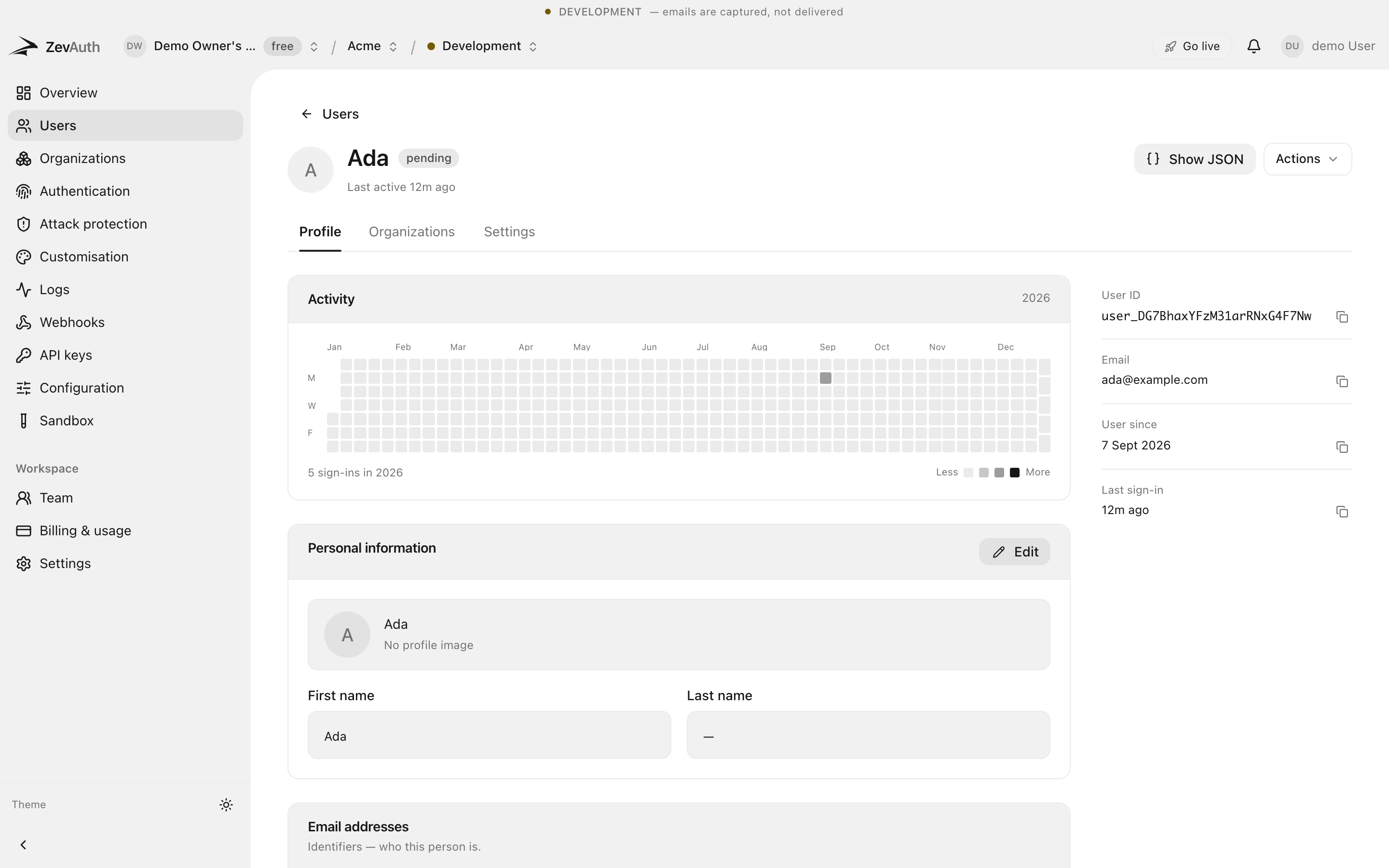
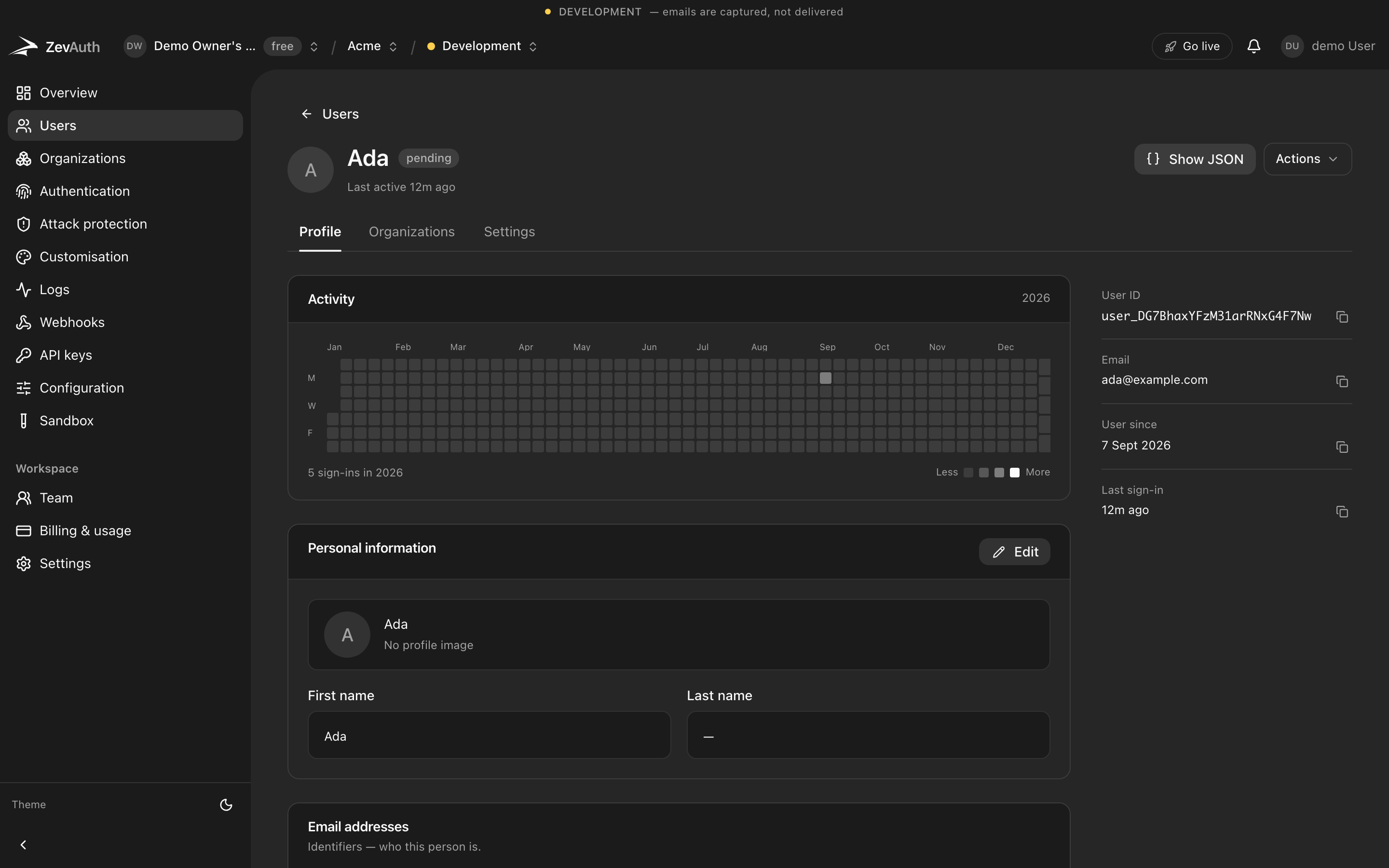
- JWT
- signed, so verification needs no call to us
- 1
- refresh at a time, serialised across tabs
- ∞
- devices a user can see and revoke individually
Frequently asked questions
What people ask about sessions and devices before they commit to it.
Where is the session stored?
The access token lives in memory; the refresh token in the browser, namespaced per environment. A page reload restores the session without a fresh sign-in.
What stops a stolen refresh token?
Refresh tokens are single-use and rotate on every use. A reused one is detected and the whole session is ended.
Can a user sign out everywhere?
Yes. They see a list of active sessions with device and location, and can revoke any one, or all, at once.
Start with a project and a key.
Free to build and to ship. Test and production both cost nothing today. Generous limits, no card, and no surprise bill.