For developers
A real login, in an afternoon.
Add a provider, drop in one component, and sign-up, sign-in, sessions and password reset already work.
Start free
- 1
- component for the whole sign-in flow
- 17ms
- to verify a token, offline, against a cached key set
- 0
- servers to run for a working login
The fast path
One tag renders the whole screen.
Wrap your app in the provider and render one component. Sign-up, sign-in, password reset and their loading and error states are already handled.
- Provider plus one component
- States and errors built in
- Your branding, applied automatically
Sign in to Acme
Welcome back. Please sign in to continue.
Secured by ZevAuth
Your design
Or keep every pixel.
Prefer your own screen? The typed JavaScript client and the REST API expose every step, so the flow is yours to lay out however you like.
- Typed JavaScript client
- REST API for any stack
- The same sessions either way
On your server
Trust a token without asking us.
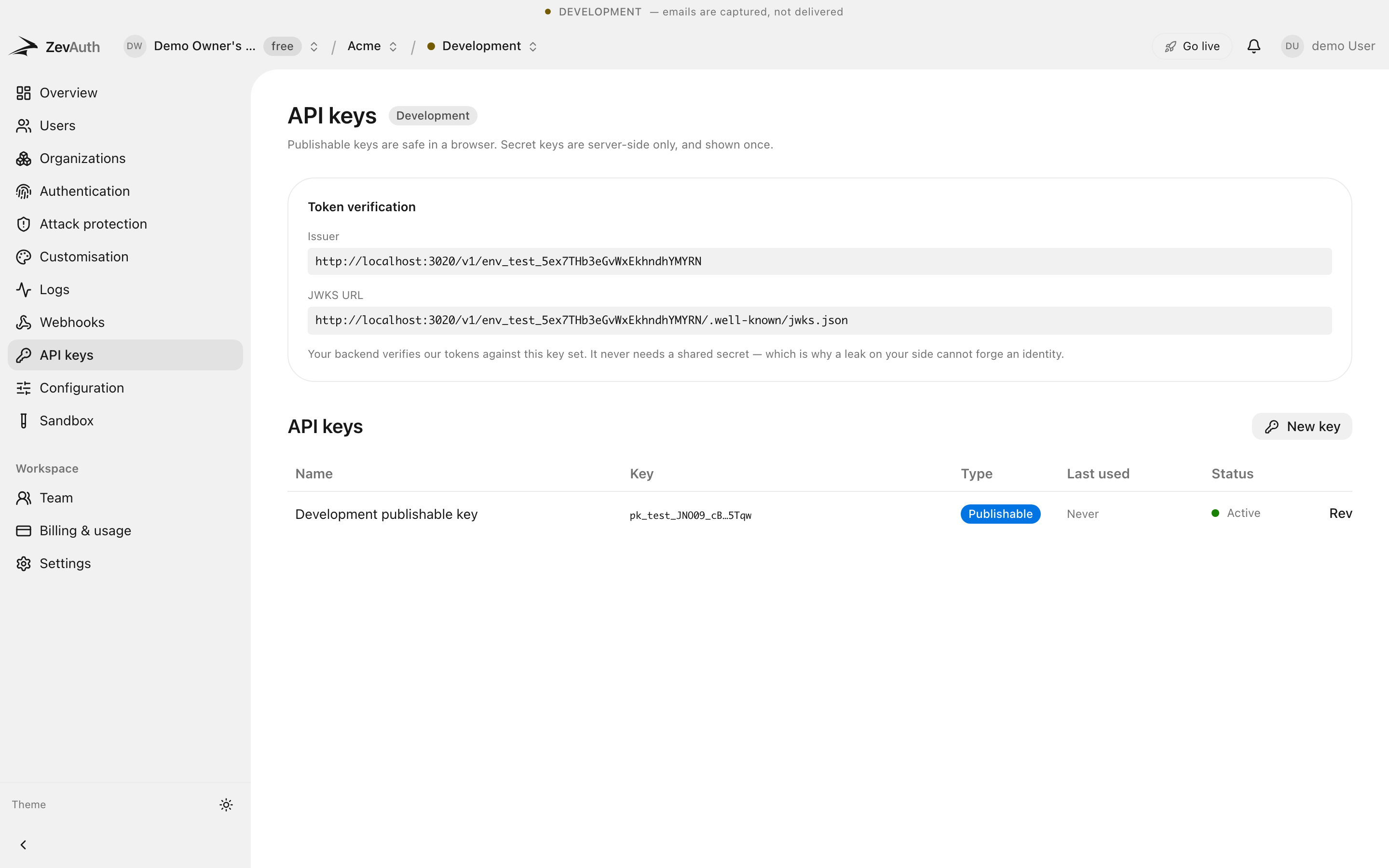
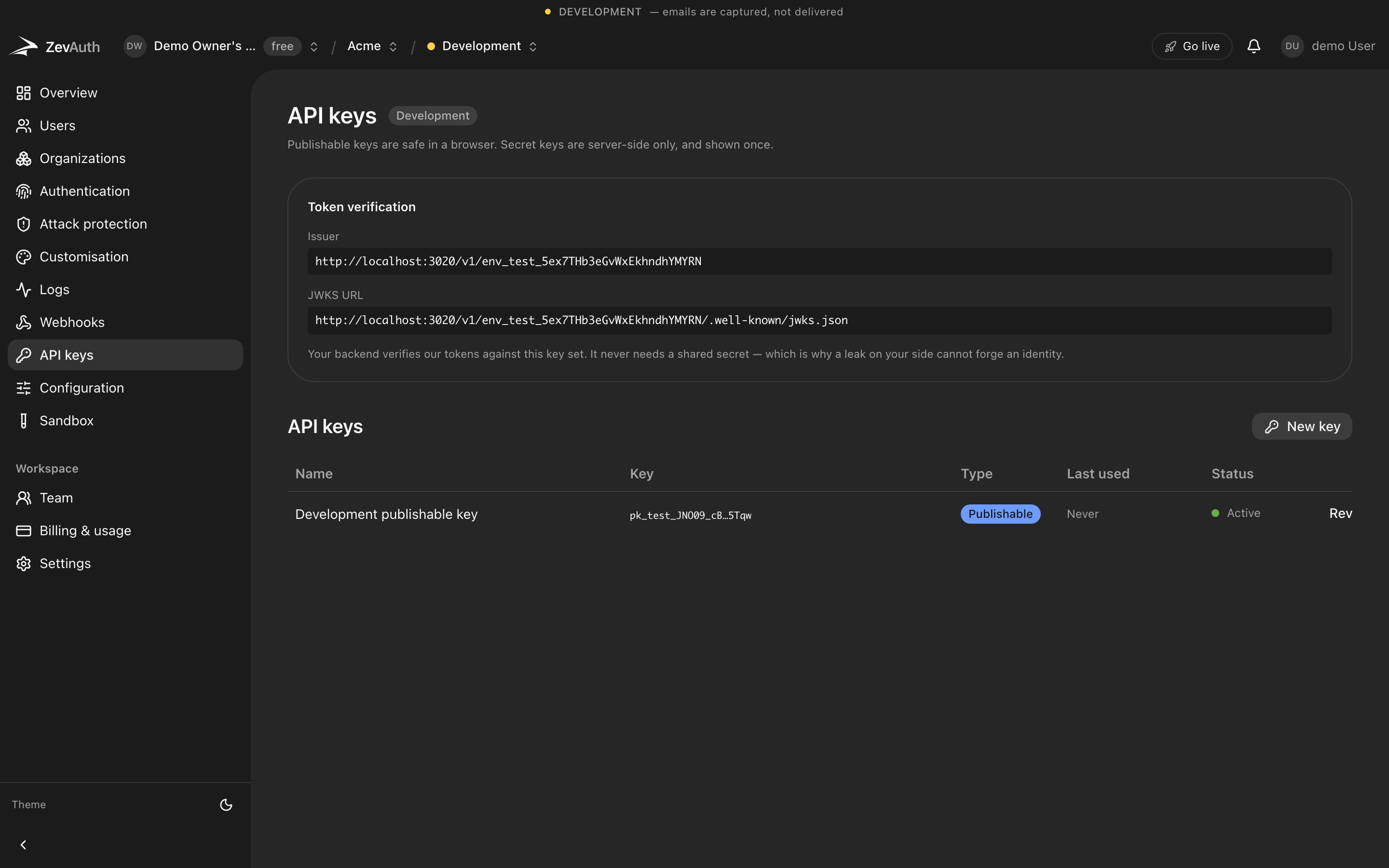
A session is a signed JWT. Your backend verifies it against a key set it caches, so checking who is calling costs nothing and never waits on a network hop to us.
- Signed JWTs, per environment
- Cached JWKS, no round trip
- A backend SDK for user management
Drops into the stack you already run.
A React component set, a framework-agnostic JavaScript client, and a backend SDK. Or plain REST — a session is a signed JWT, so any language that can verify one is already supported.
- React
- Next.js
- Remix
- Vercel
- Vue
- Nuxt
- Svelte
- Astro
- Node.js
- TypeScript
- Expo
- JavaScript
Anything that can verify a JWT works, including the ones not listed. See the quickstart
Documentation that answers the next question.
Written for the moment you are stuck, not for a tour.
Frequently asked questions
What developers ask before they start.
React only, or my framework too?
Drop-in components for React, a typed JavaScript client for any frontend, a backend SDK for Node, and a REST API for everything else.
How do I verify a token on my server?
Check the signed JWT against your environment’s key set, which the backend SDK caches, so it never round-trips to us.
Can I keep my own sign-in design?
Yes. Use the client or the API and lay the flow out however you like; the sessions are identical to the drop-in path.
Start with a project and a key.
Free to build and to ship. Test and production both cost nothing today. Generous limits, no card, and no surprise bill.