Product
Turn on B2B the day a customer needs it.
Let your users belong to teams, with roles and permissions you define, carried in the token.
Start freeNorthwind Traders
4 members · 2 roles
- A Owner
Ada Lovelace
ada@example.com
- G Admin
Grace Hopper
grace@example.com
- S Member
Sam Altman
sam@example.com
- C Member
Chidi Okeke
chidi@example.com
How it works.
-
Turn it on
Enable organizations for an environment when you need B2B.
-
Define roles
Name the roles and permissions your app means.
-
Read the token
The active organization, role and permissions ride in the session you already verify.
- Teams, natively
- Users belong to organizations with members, roles and invitations built in.
- Roles you define
- Name the roles and permissions your app means, per environment.
- In the token
- The active organization and its permissions ride in the session your backend already reads.
In your dashboard.
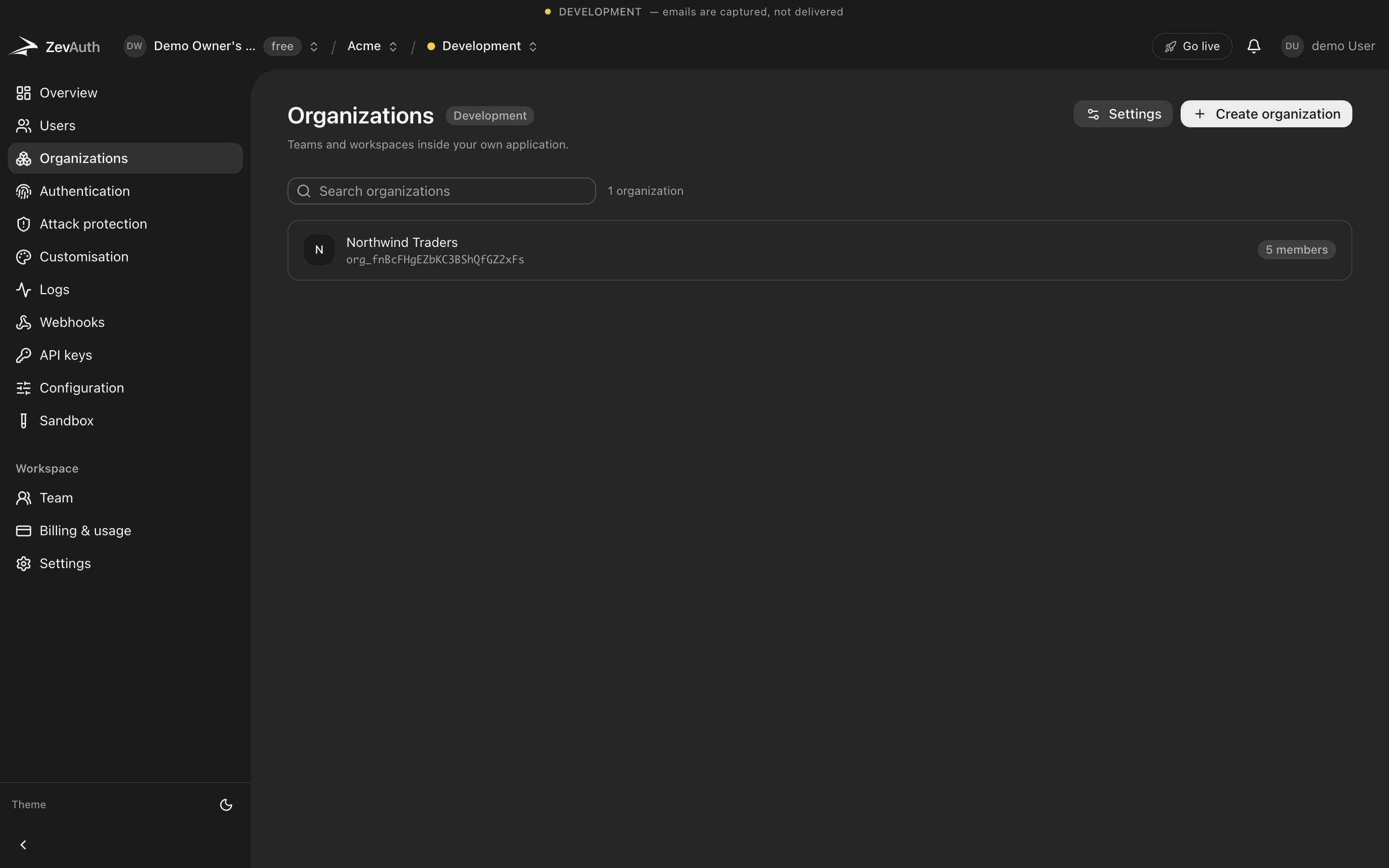
Every screen above is real. This is where you run it.
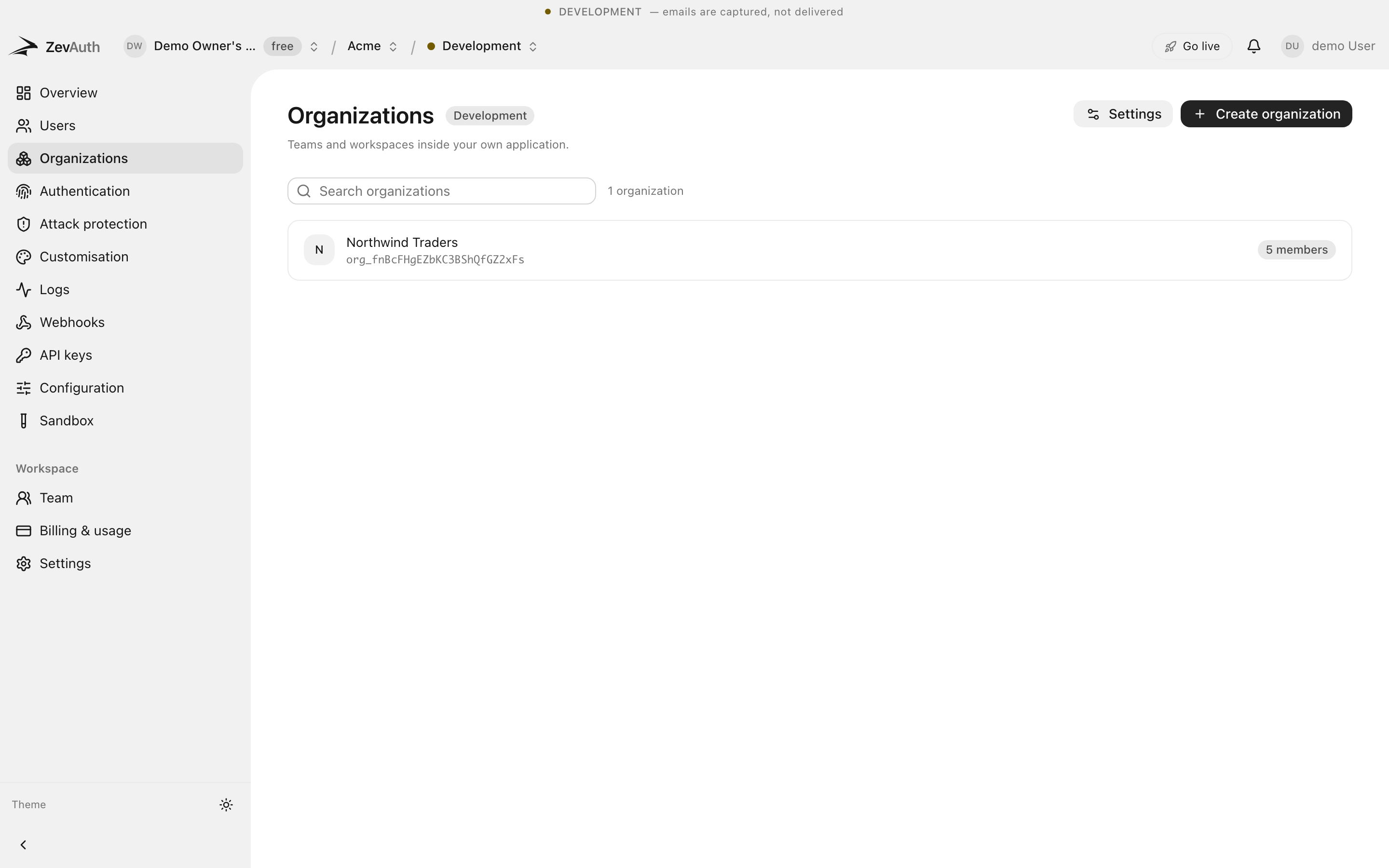
- 1
- switch turns a B2C app into B2B
- 0
- migrations to add teams later
- 1
- token carries who they are and what they may do
Frequently asked questions
What people ask about organizations before they commit to it.
Do I have to decide on organizations up front?
No. Start without them. Turn them on the day a customer needs teams; nothing you have built has to change.
How are roles and permissions defined?
You define them per environment, with the exact names your app uses. The active role and its permissions are claims in the session token.
Can one user belong to several organizations?
Yes. A user can be a member of many, with a different role in each, and switch between them.
Start with a project and a key.
Free to build and to ship. Test and production both cost nothing today. Generous limits, no card, and no surprise bill.